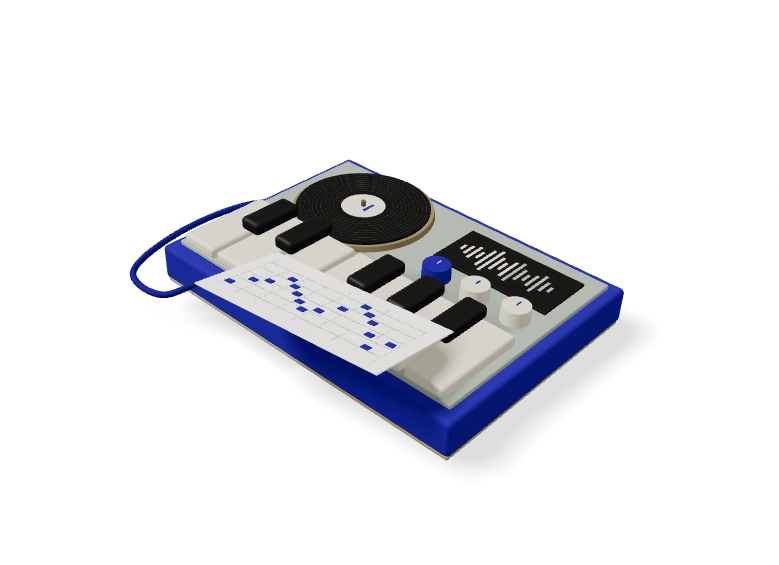
03 / FROM RECORDING TO NOTES
How to convert MP3 to sheet music in 3 steps
- 01
Choose a short musical recording and transcribe its notes. A clear single part is the simplest starting point for a readable score.
- 02
Confirm tempo, meter and key assumptions. Review the piano roll before generating notation, because wrong events produce wrong written notes.
- 03
Inspect the rendered score, transpose when needed and export the MIDI, MusicXML or print-ready PDF. Check notation against the recording before sharing it.
How do MIDI notes become readable sheet music?
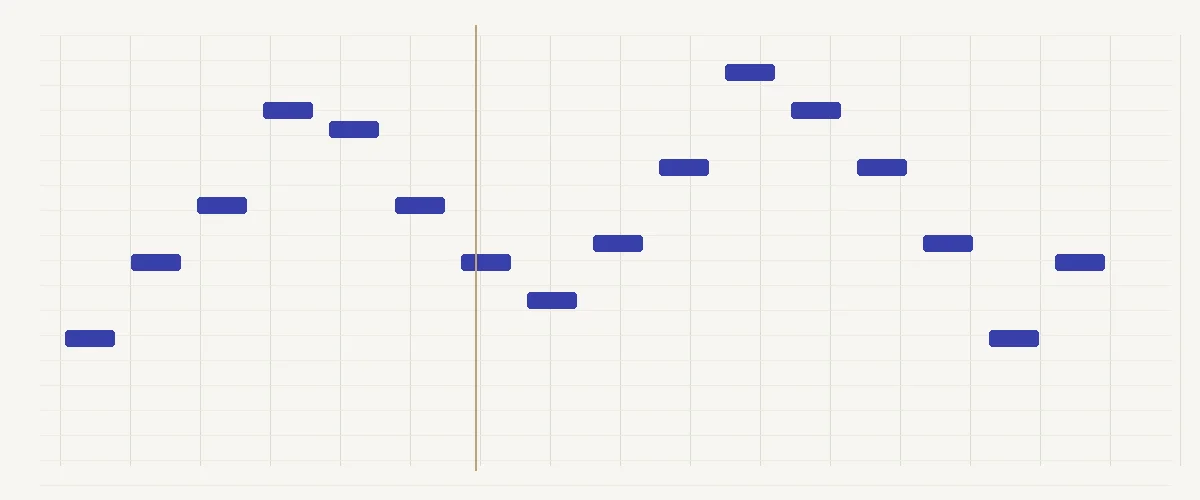
A piano roll places note events on a continuous time axis. Written notation organizes musical time into measures, beats and readable durations. Converting between them requires choices about tempo, meter, quantization, voice assignment and pitch spelling. A mechanically valid score can still be hard to read if those assumptions conflict with the performance. Confirm them instead of treating the first layout as a final edition.
Verify the musical assumptions before printing
Tap along with the source to decide which pulse should become the quarter note. An incorrect tempo assumption can turn a straightforward phrase into a dense page of short values. Confirm whether the passage fits the current meter before treating measure boundaries as meaningful. A score should help another person read the phrase, not merely preserve every irregularity of machine timing.
Inspect held notes and repeated attacks at bar lines. A long sound may require a tied continuation, while a repeated note needs a new attack even when the pitch is unchanged. Check the key signature and accidentals together. A flat key written entirely with sharp spellings can be awkward to read even when the playback pitches appear correct.
Use MusicXML when you want to continue editing in notation software. Use the printable score for review and rehearsal, with the original recording available for comparison. The R1–R9 audit checks structural conventions; it cannot establish that the inferred melody is musically correct. Do not claim a professional edition merely because a file opens or a printer can produce a page.
Start a notation review with one phrase rather than the whole page. Count the pulse aloud and choose where the first complete measure begins. A pickup note belongs before that measure boundary; treating it as the first downbeat can shift every later bar. Check a second phrase before accepting the meter. A readable bar structure should follow the musical accents you hear, while the detected event times remain a reference for judging where those accents actually occur.
Separate pitch corrections from spelling decisions. Two printed notes can sound the same in equal temperament yet have different names, such as F sharp and G flat. Choose a spelling that makes the local scale or chord easier to read, then inspect the surrounding accidentals. Correcting an octave error is a different operation because it changes the sounding register. Use the source recording to check register before spending time on the visual spacing of the staff.
A quick arithmetic check helps with rhythm: at 120 beats per minute, a quarter note lasts half a second, and four quarters make a two-second measure in 4/4. A freely played phrase may stretch those durations. If the generated page shows many tiny rests between intended connected notes, compare the performance against the pulse before forcing every gap into a separate written value. Quantization is an editorial choice; the most detailed timing transcription is not always the clearest rehearsal score.
Review a MusicXML export in the notation application that will prepare the final part. Inspect ties crossing bar lines, page turns inside long phrases and any passage where several notes start together. MIDI preserves the performance events for playback; MusicXML carries notation for further editing, while a PDF fixes a particular page layout. Save the reference MP3 with the excerpt start time and keep an editable notation copy. A musician should be able to follow the result without guessing which crowded symbol came from an uncertain detected attack.
04 / A FEW THINGS TO KNOW
Frequently Asked Questions
01Is a valid MusicXML file a correct transcription?
No. Structural checks can verify durations, ties, voices and related notation requirements, but they cannot establish what the performer actually played. Compare pitches and rhythms with the recording before trusting a score. Treat successful rendering and successful notation auditing as separate evidence from musical transcription accuracy, especially for dense or expressive passages.
02Why must I confirm tempo and meter?
Audio event times do not uniquely specify a readable beat structure. Different tempo assumptions can express the same event spacing with very different note values. Meter determines measure boundaries and ties. Start with a pulse that matches the performance, then inspect the layout. Quantization should support readability without pretending that an uncertain rhythm was established by the model.
03Should I export MusicXML or PDF?
Choose MusicXML when you intend to adjust notation in another score editor. Choose PDF for a fixed visual copy after checking the score layout. Keep MIDI as the editable note-event representation. These formats serve different purposes, so a printable page should not replace the musical reference or the source events used to create it.
04When should I export the score for rehearsal?
Check bar lines, repeated attacks, ties and accidentals while listening to the reference passage. Preview the layout before making a PDF. Keep MusicXML for further notation edits and MIDI for the underlying note events.
05Does changing the score meter rewrite the MIDI performance?
Meter controls notation grouping, measure boundaries and displayed durations. MIDI export follows the note-event path instead. Keep the source events and the chosen notation settings together when comparing a printed score with your performance.
06Where are my recording and notation settings processed?
The browser path handles your recording, note editing and score export on your device. The high-accuracy server route asks for separate upload consent. Privacy & terms
Start with an audio recording? Open the MP3 to MIDI converter.